
The business situations in this article are fictional illustrations, not accounts of Parikh Advisory client engagements.
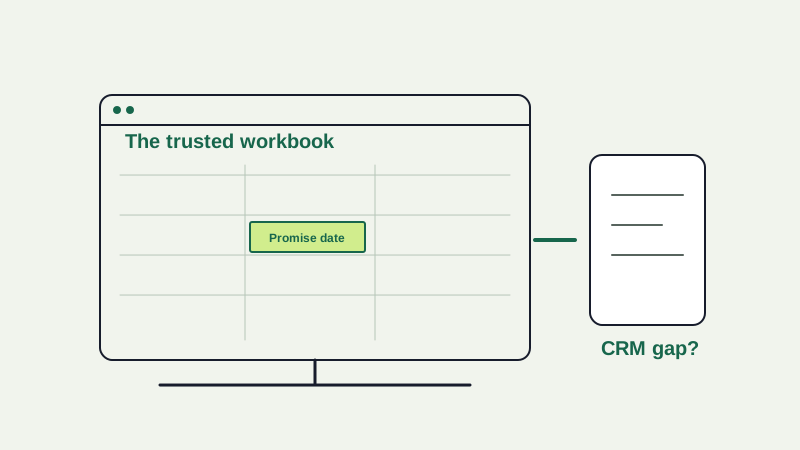
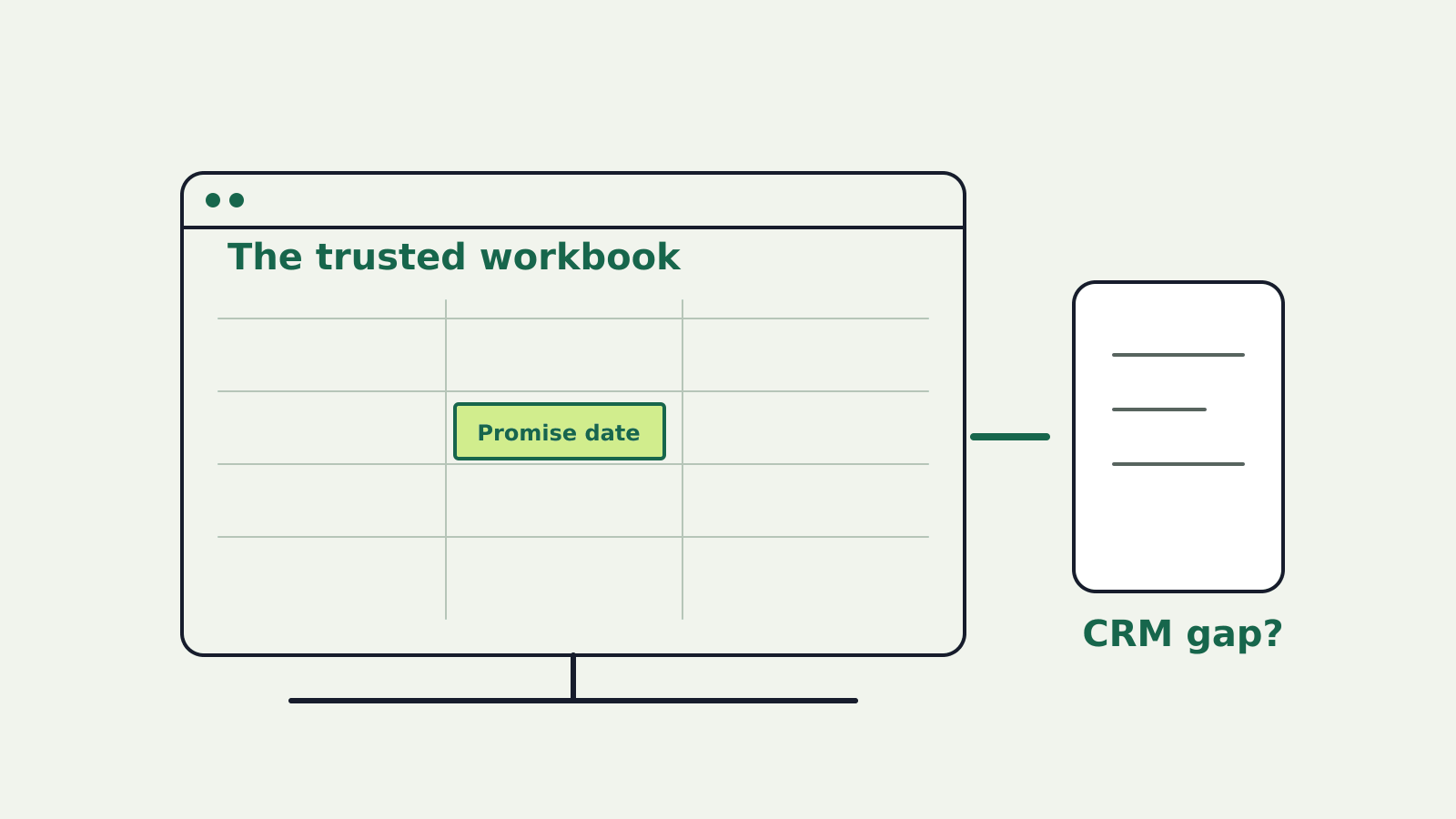
A regional business pays for a CRM, yet its operations manager opens a spreadsheet every morning. The founder wants the workbook banned. The manager says it is the only place where order changes, exceptions and promised delivery dates appear together.
Illustrative scenario. The spreadsheet may be a control weakness. It may also be the clearest description of a job the CRM does not support. Replacing it before understanding that job could remove the team’s most useful view while leaving the underlying information fragmented.
Ask what the workbook makes possible
Sit beside the people who use it. Which decisions do they make from it? Where does each input come from, who updates it, and how is a correction communicated? Follow one order that changed after the original sale. If the workbook joins facts that exist in separate systems, the problem may be an integration or ownership gap. If it performs a calculation nobody can explain, the problem may be control and knowledge concentration.
A spreadsheet is not inherently immature. It can be a sensible, adaptable tool for a small team with a bounded task and clear ownership. The risk rises when a workbook becomes a critical system without the controls, continuity or visibility that its importance requires.
Follow the situation
- Operator uses the trusted workbook
- Team identifies missing business meaning
- Control or migrate the risky part
- Conflicting copies → identify authoritative record
Find the failure that matters
Do not start with the number of spreadsheets in the company. Identify the consequential failure modes: two versions used for the same decision, an input silently overwritten, a formula changed without review, access granted too widely, or a key person absent when a customer promise must be corrected. Ask which has happened, what it cost and how it was detected. A hypothetical risk is worth noting, but it should not be presented as a measured loss.
The CRM may still be the official system of record while the workbook coordinates the work around it. Compare a sample of orders across both. Where do they diverge and why? If staff enter the same information twice, trace the handoff. If the CRM lacks an exception state, forcing people to abandon the spreadsheet may push the workaround into private messages rather than fix it.
Three credible responses
- Keep and control the workbook: Name an owner, protect critical formulas, document inputs and outputs, restrict access, keep version history and test important results. Appropriate when the task is bounded and the controls are proportionate.
- Improve the existing system: Configure the CRM, add a shared view or repair the data feed so the workbook no longer carries a critical handoff. Test whether the team can still handle the awkward case that made the workbook useful.
- Build or buy a dedicated workflow: Consider this when the process has become too complex, time-sensitive or consequential for controlled spreadsheets and the organization can operate the replacement. Include migration, training and fallback work.
These are not fixed maturity stages. A business may retain a controlled spreadsheet for analysis while moving customer-impacting state changes into a governed system. The boundary should follow the risk and the decision, not a blanket rule against rows and cells.
A small audit before a large replacement
Choose one business-critical workbook. Record its purpose, users, inputs, outputs, formulas, external links, permissions, version history and how often it changes. Reconcile a few recent outputs to their source records. Ask a second person to reproduce the decision when the main owner is unavailable. This reveals whether the danger is data quality, logic, access, process or continuity.
If the workbook passes a proportionate review and the job is stable, improve its controls and defer a costly migration. If it fails, prioritize the dangerous portion. A replacement should demonstrate that it can handle the same exceptional order and deliver the information the manager currently needs; a cleaner interface is not enough.
Compare the next moves
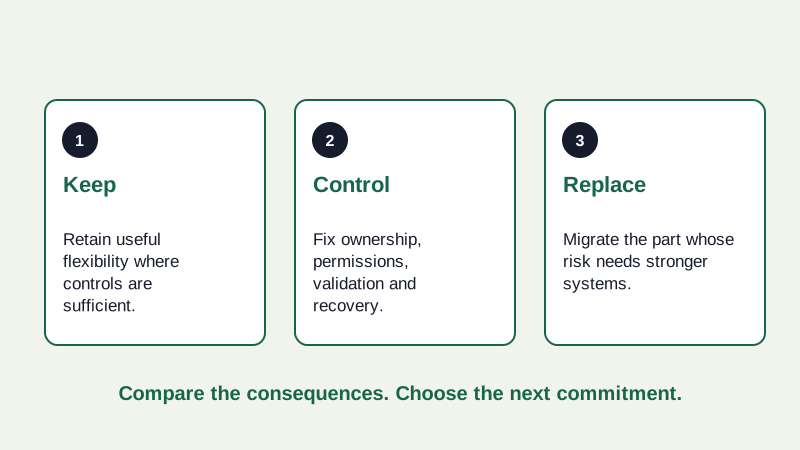
- Keep: Retain useful flexibility where controls are sufficient.
- Control: Fix ownership, permissions, validation and recovery.
- Replace: Migrate the part whose risk needs stronger systems.
The founder’s decision
The useful question is not “How do we get rid of spreadsheets?” It is “Which business decision depends on this workbook, how trustworthy is the result, and what is the least disruptive way to make it dependable?” Let the manager show why it exists. Then agree on the control or product change that addresses the actual failure.
Research note: ICAEW’s spreadsheet review guidance describes version and formula risks and recommends targeting critical outputs. Its spreadsheet principles emphasize purpose, ownership and input quality. These are professional practice references; the CRM example is fictional.
Sources & scope
Related primary reading is provided below. The decision framework and fictional examples are Parikh Advisory’s analysis; these references do not establish that the illustrated events occurred.